How To Use AI to Create Product Previews on Teachers Pay Teachers
Creating product previews on Teachers Pay Teachers is one of those tasks that sounds simple—but quickly becomes overwhelming.
Most TpT sellers don’t struggle because they’re lazy or unskilled. They struggle because previews are doing far more work than we were ever taught to understand.
Over the years, I’ve personally spent countless hours resizing images, adjusting fonts, rearranging layouts, exporting previews, uploading them, and then repeating the process when something didn’t convert. And for a long time, I assumed that was just “part of the job.”
But here’s the truth:
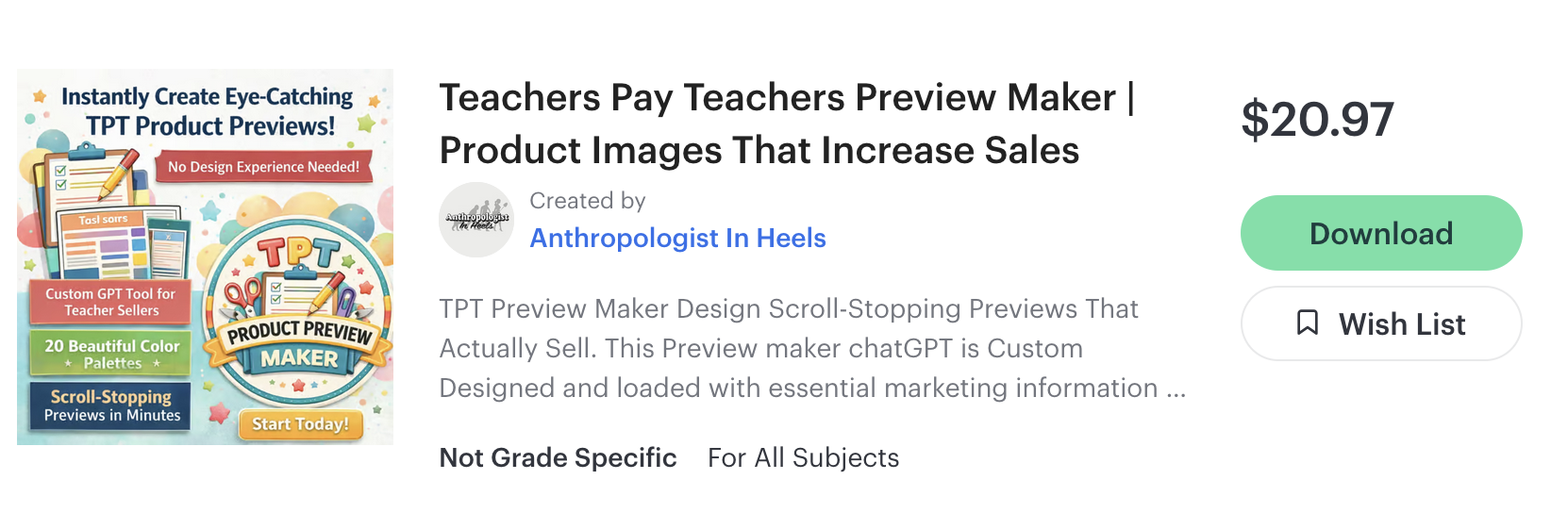
TpT previews are not just visuals. They are marketing tools. Once I understood that—and once I learned how AI could be trained to support that work—everything changed because after a lot of trial and error, I built the best custom GPT Preview maker that will remake all of your preview images, and upgrade them to something much better than you could have thought!
I personally built several custom GPT’s, including a culinary GPT with my favorite Recipes. I even made a video of me on Instagram talking to my own chatGPT!

Why TpT Product Previews Matter More Than You Think
When a buyer lands on your TpT listing, your previews are doing the heavy lifting long before your description is read.
In fact, your images serve two completely different purposes:
The page view image needs to stop the scroll
The preview images need to communicate value quickly and clearly
Within seconds, a buyer is subconsciously asking:
Is this resource for me?
Does this look organized and trustworthy?
Can I understand what I’m getting without effort?
If the answer to any of those is “no” or “I’m not sure,” they move on.
That’s not a reflection of your product quality—it’s a reflection of how hard preview design actually is.
The Problem Most TpT Sellers Run Into
Most teacher-authors were never trained in:
visual hierarchy
marketing psychology
conversion-focused design
So what do we do instead?
We:
add more screenshots
shrink text to fit everything
choose fonts and colors based on aesthetics
guess what buyers want to see
And when something doesn’t sell, we often assume the product is the problem—when in reality, the previews aren’t doing their job.
Is Using AI for TpT Previews Cheating?
This question comes up a lot, and I understand why.
But I don’t see AI as cheating any more than:
using a calculator
using templates
or using spell check
Tools don’t replace your expertise.
They support it.
AI Should not create the resource.
It doesn’t know your students.
It Shouldn’t write your content.
What it can do is remove the repetitive, technical, time-consuming parts of the process—so you can focus on what actually matters.
How much time are you willing to keep spending doing something manually that can be systematized?
What a Custom ChatGPT Actually Is (and Why It Matters)
Not all AI tools are the same.
A custom ChatGPT is different from a general AI because it’s built with one specific purpose in mind.
It’s created using three core components:
Instructions – how the AI behaves
Built-in knowledge – what it already knows before you prompt
Purpose – the single task it exists to do
When I first built a custom ChatGPT for writing SEO-rich TpT product descriptions, I realized how powerful this structure was. Instead of prompting over and over, the GPT already knew the rules. And the first one I build was a ChatGPT Product Description Writer! Completely Free.
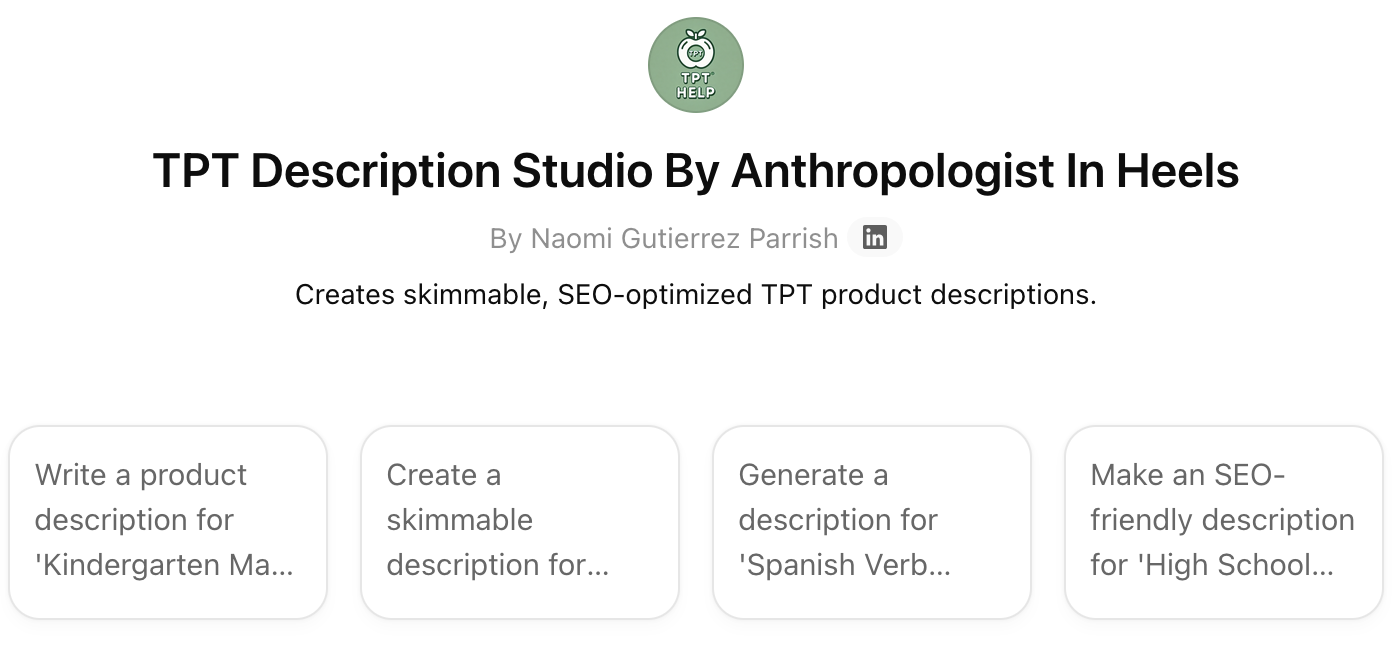
That’s when I realized I could build a tool specifically for TpT preview images which is literally the biggest paint point teacher authors face on a daily basis.
How to Use AI to Create Product Previews on Teachers Pay Teachers
Using AI effectively for previews doesn’t mean starting from scratch or letting a robot “guess” what to do.
The smartest way to use AI is to let it optimize what you already have.
Here’s what that process looks like with a specialized TpT Preview Maker:
Step 1: Upload Your Current Preview Images
Your existing previews give the AI context. It can see what’s working, what’s cluttered, and what’s unclear.
Step 2: Upload a Screenshot of Your TpT Page View
This shows how your product appears to buyers and helps optimize layout and messaging based on real visibility.
Step 3: Let the GPT Apply Built-In Design & Marketing Rules
Instead of guessing, the AI applies proven standards automatically, such as:
correct 1:1 sizing for TpT
strong visual hierarchy
clear titles and readable text
intentional layout and spacing
Step 4: Receive Upgraded, Conversion-Focused Previews
You get images that look clean, professional, and purposeful—without needing to understand design theory or marketing psychology.
You’re not replacing your work.
You’re refining it.
Why This Approach Saves So Much Time
Manually fixing previews usually means:
trial and error
repeated exporting
constant second-guessing
A custom AI tool eliminates that guesswork by applying the same system every time.
That means:
consistency across products
faster updates for underperforming resources
previews that match buyer expectations
Even sellers with no design experience end up with previews that feel polished and trustworthy.
What Makes the TpT Preview Maker Different
The TpT Preview Maker by Anthropologist in Heels isn’t a general AI or a blank design tool. When I created the first Custom-GPT for Teachers Pay Teachers, i had to learn how to write commands, upload knowledge, and program it just so that results were reliable. This means that I had to know exactly what makes a great skimmable product description and make sure that the AI model always has that information.
This Preview Maker has built-in rules that guide every image it creates:
All images are square for correct TpT display
Titles are always the most visually dominant element
Each preview image has a clear purpose
Layouts prioritize clarity over decoration
Designs focus on conversion—not trends
How are these TPT specific standards built into the memory of this custom Chat? Because I specifically built them in when I designed it. Yes it was not easy, and yes it took me a long time to do it. But I will tell you that if you use my custom chat, your preview images will consistently be elevated - better than anyone could have imagined and very few people will even be able to spot that it is AI which is what makes this a great investment for your business.
Privacy and File Safety
Anything you upload is used only during your session.
Your files:
are not stored
are not shared
are not reused
do not train any AI models
Once your previews are created, your materials are gone.
Final Thoughts
TpT sellers already do enough.
You create the content.
You understand your students.
You know your subject.
Using AI to support your marketing isn’t cutting corners—it’s working smarter.
If you’ve ever felt overwhelmed by previews, unsure why good resources aren’t selling, or frustrated by how much time design takes, this is exactly what AI should be used for.
To save time.
To create clarity.
To help your work reach the teachers who need it..